What it is
A thin Node server that serves a browser page and a few helper endpoints. It is not an agent itself, it runs alongside them and talks to each over its REST API.
Quick start
npx @ctrlpi/ctrlpi-lab
Nothing to install, Node 20+ only.
The tabs
| Tab | What it does |
|---|---|
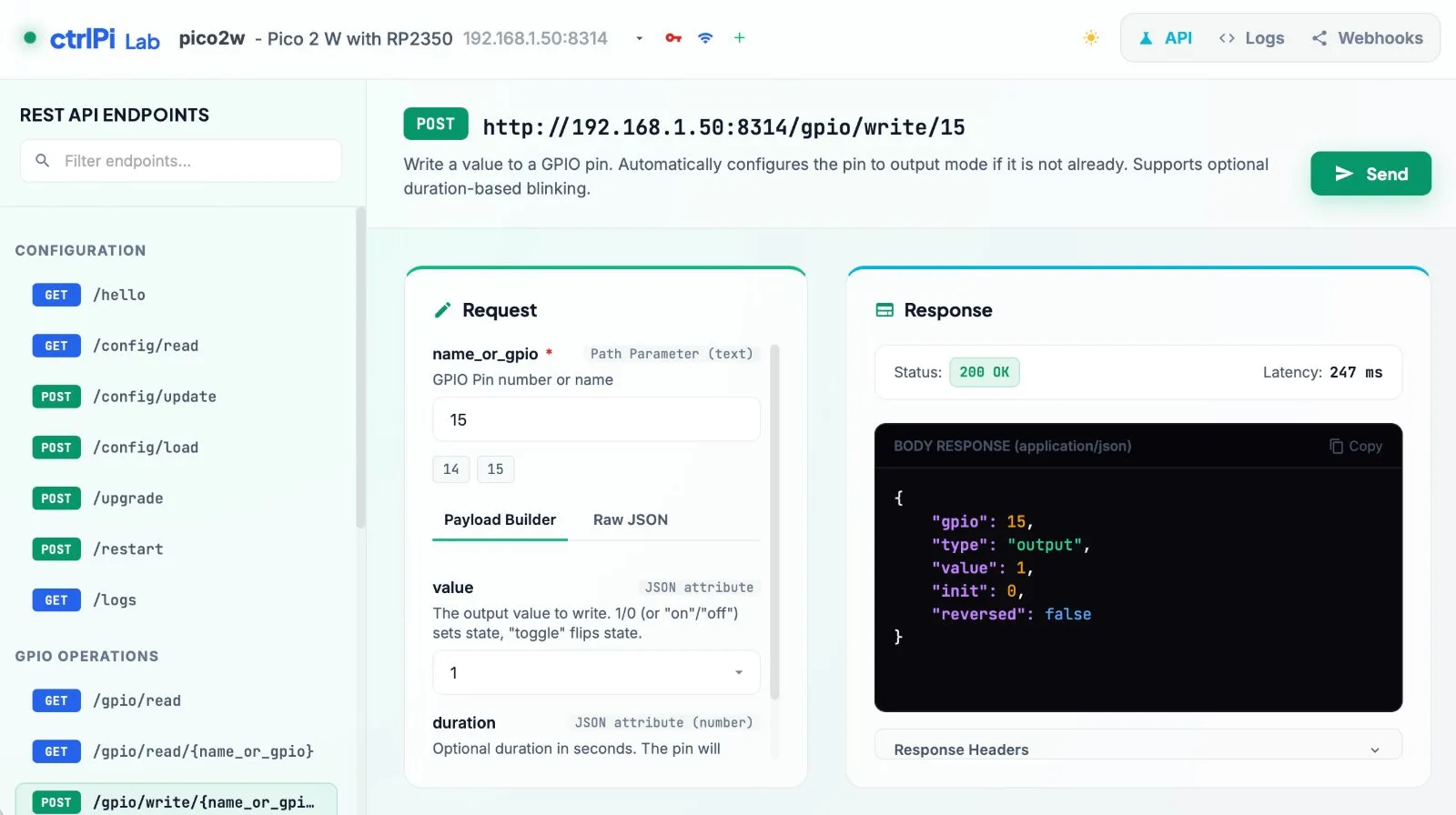
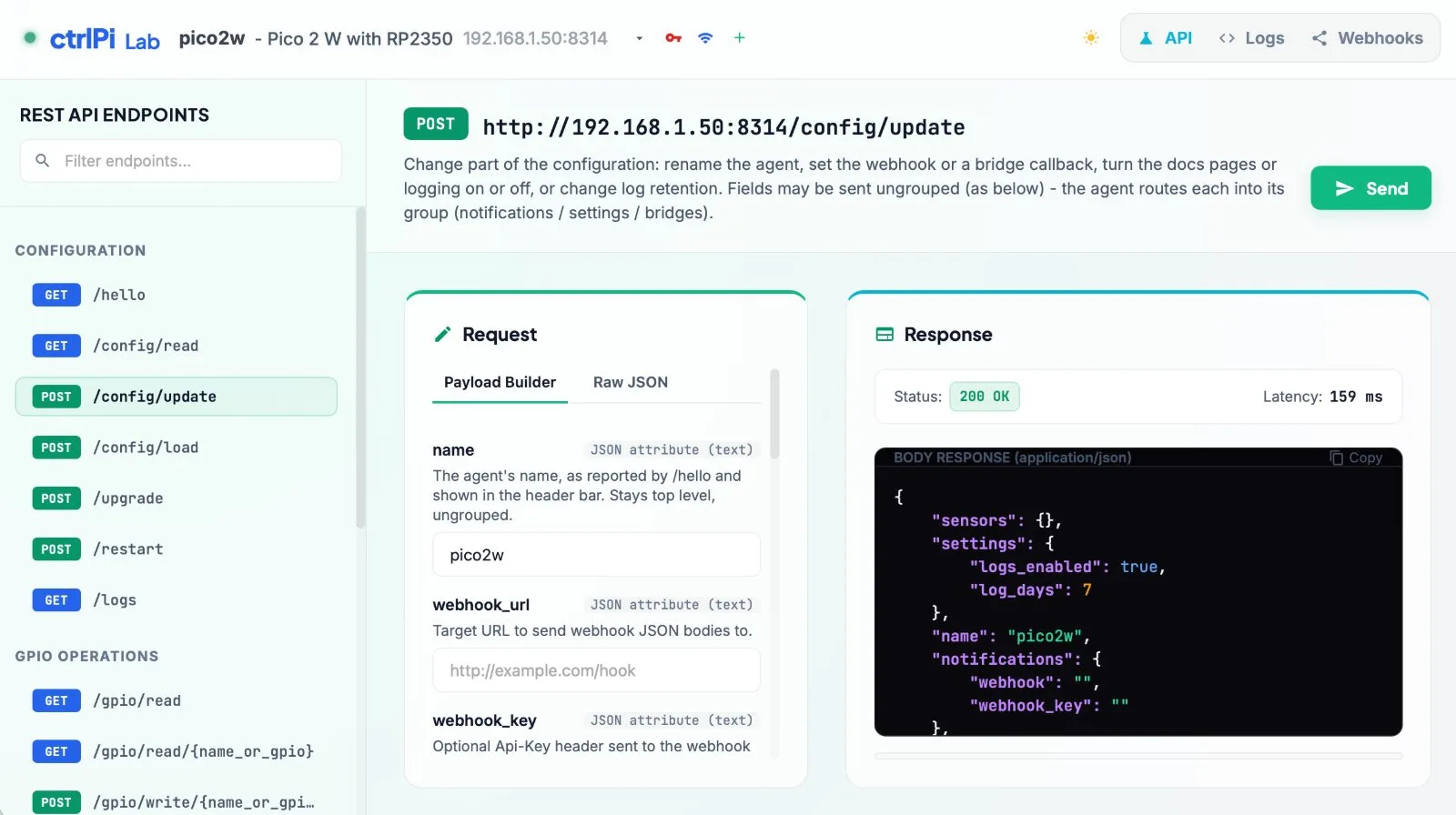
| API | REST endpoint tester for the agent in the header bar: every GPIO, sensor, script, and config route with editable parameters and a picker of what's already configured, plus install steps and ready-made cURL examples. Pick a script and it loads into the write form for editing, and the Output only switch on the answer shows just a script's text or a run's output (with its exit code) instead of the JSON |
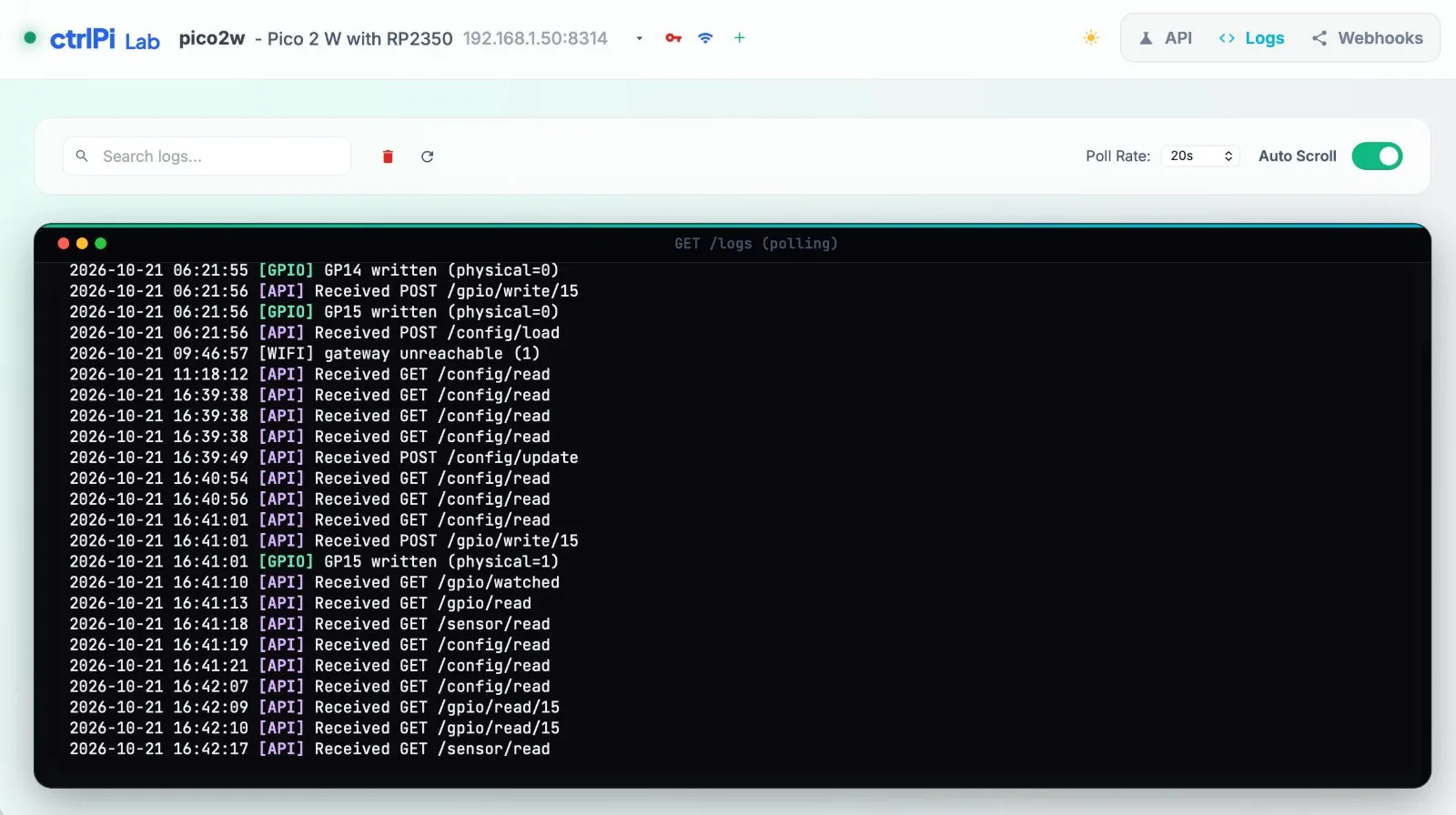
| Logs | Live log viewer for the selected agent, with search and auto-scroll |
| Webhooks | Live table of webhook events received at hooks.ctrlpi.com/webhook/test, the public test endpoint |
Configuration
Everything can be set in the browser, so no file is needed. Agents are kept in the shared
~/.ctrlpi/agents-config.json, the same list every ctrlPi tool reads.
The dashboard's own ~/.ctrlpi/lab-config.json only remembers which agent is selected and what the last scan reached.
The browser never calls the agents directly: every call is tunnelled through the server's proxy, because the agents send no CORS headers. The server answers only its own page, so a website you visit can't use it to reach your agents.
/hello, and the ones it finds are saved to agents-config.json, so you rarely edit it by hand.In the family
Points at any pi-gpio-api, pico-gpio-api, or esp32-gpio-api agent, and shares its agent list with every other ctrlPi tool. Put the same pins in Apple Home with homebridge-ctrlpi, or let an AI assistant drive them with mcp-bridge.
To find and drive agents from a terminal, use ctrlpi-cli. It's a developer's cockpit for the whole system, handy while wiring things up, and a good starting point for building your own control.
To get an agent onto a board over USB, use pico-bay. It can install MicroPython,
manage the board's files and run code on a Pico and an ESP32. pi-bay, for a Raspberry Pi
over the network, is coming soon.